



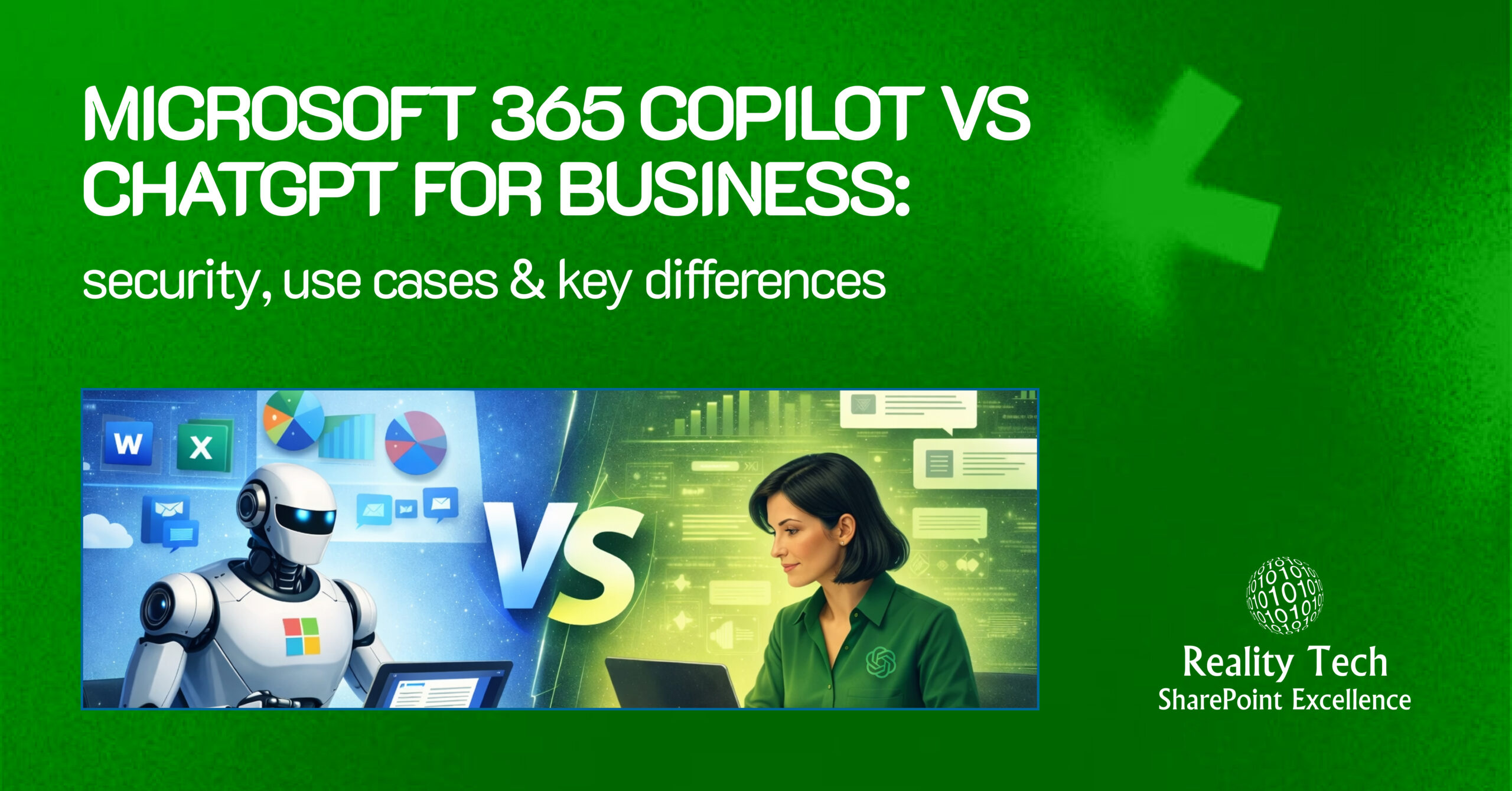
The Microsoft 365 Copilot vs ChatGPT debate has become a key topic as AI transforms business workflows. From marketing to HR, AI is now embedded across departments, automating tasks, generating content, and analyzing data faster than ever.
ChatGPT and Microsoft 365 Copilot are at the forefront of this shift, driving productivity and efficiency. However, with rapid adoption comes significant concerns around data security and privacy.
If you are evaluating Microsoft 365 Copilot for business or considering ChatGPT for work, understanding how each tool manages data, compliance, and privacy is essential.
This guide delivers a detailed Copilot vs ChatGPT comparison. It focuses on their key differences, real-world use cases, and what businesses need to know about security and choosing the right platform for their teams.
What Is Microsoft 365 Copilot for Business?
Microsoft 365 Copilot for business is an AI assistant embedded directly into Microsoft 365 apps such as Word, Excel, PowerPoint, Outlook, Teams, and OneNote.
It helps businesses automate tasks like drafting content, summarizing emails and meetings, and analyzing data, all using your company’s data (with permission) within Microsoft’s secure environment. Users simply enter a prompt, and Copilot generates real-time, AI-driven responses, which may include both internal company content and internet-based information you have access to.
Available as a standalone tool or bundled with Microsoft Business plans, Copilot prioritizes enterprise-grade security, privacy (with no data used for AI training), and compliance, including GDPR.
What Is ChatGPT for Business?
ChatGPT for Business, also known as ChatGPT Enterprise or Team by OpenAI, is a customizable, subscription-based AI chatbot designed for professional use. It excels at general-purpose tasks such as idea generation, writing, coding, and research. Key features include admin controls, data privacy, and higher usage limits.
Unlike Microsoft 365 Copilot, ChatGPT is a standalone platform and is not tied to any specific productivity suite. This makes it versatile across various tools but requires manual integration, such as copy-pasting, for use within other platforms.
Microsoft 365 Copilot vs. ChatGPT: Key Differences for Enterprises
ChatGPT vs Microsoft Copilot is powered by GPT-4, but they differ significantly in how they are built, used, and integrated into business environments. Here’s a quick breakdown of the key distinctions:
1. Purpose & Positioning
ChatGPT is a general-purpose AI assistant designed for various tasks such as brainstorming, writing, coding, and research. It’s versatile, handling open-ended queries and iterative problem-solving.
Microsoft Copilot is built specifically to enhance productivity within Microsoft 365 tools (Word, Excel, Outlook, Teams). It’s integrated to support task-specific actions like drafting emails or summarizing meetings, embedded directly into the workflow.
2. Integration & Context Awareness
ChatGPT is platform-agnostic and can be accessed via APIs, making it adaptable to various environments. However, to achieve deep context awareness (like business data), custom integration is needed.
Microsoft Copilot is deeply integrated with Microsoft 365 and taps into Microsoft Graph to access data from emails, calendars, documents, and Teams. This integration makes it highly context-aware and capable of delivering tailored responses based on your specific work context.
3. Security & Permissions
ChatGPT provides customizable security via API controls, but businesses must design their own security architecture, including data retention and access policies.
For regulated industries, Microsoft 365 Copilot for business offers built-in compliance controls aligned with enterprise governance frameworks. This makes it a more secure option for industries with strict data governance needs.
4. Customization
ChatGPT offers flexible customization through Custom GPTs and APIs, ideal for businesses with development resources that need tailored solutions.
Microsoft Copilot includes Copilot Studio, a low-code platform that allows businesses to automate workflows without needing extensive technical expertise, making it more accessible for non-developers.
5. Enterprise Readiness
ChatGPT requires additional planning for enterprise deployment, especially regarding governance and security. While it can be secured via Azure OpenAI, it needs a custom setup to meet compliance requirements.
Microsoft Copilot is ready out of the box for enterprises using Microsoft 365, with built-in security, compliance, and governance tools that align with Microsoft’s ecosystem. However, in large-scale deployments, Microsoft 365 Copilot vs ChatGPT conversations often highlight readiness.
Use Cases: When to Use Microsoft 365 Copilot vs ChatGPT
Choosing between Microsoft 365 Copilot vs ChatGPT for business depends on your workflow, teams, and goals. Here’s a breakdown of when each tool shines:
When to Use Microsoft 365 Copilot
- Your team works mainly in Microsoft 365 apps (Word, Excel, PowerPoint, Outlook, and Teams).
- You need automated summaries of emails, meetings, or documents.
- You want data-driven insights from company files or spreadsheets.
- Security and compliance with company data are top priorities.
- You want to automate repetitive office tasks to improve efficiency.
When to Use ChatGPT for Business
- Your team works across multiple platforms like Slack, CRMs, and Google Workspace.
- You need custom AI tools, chatbots, or API integrations for specialized tasks.
- You are exploring concepts not tied to Microsoft 365 tools.
Pros and Cons of Microsoft 365 Copilot and ChatGPT
Pros and Cons of Microsoft 365 Copilot
Because Microsoft 365 Copilot has only recently become commercially available, many of its pros and cons are based on early user experiences and expected capabilities. As more businesses adopt it, its real-world impact will become clearer.
Pros of Microsoft 365 Copilot
- Seamlessly integrates with Word, Excel, Outlook, PowerPoint, and Teams.
- Provides real-time meeting summaries and action items.
- Built on enterprise-grade security and compliance standards.
- Improves collaboration within shared Microsoft 365 environments.
- Helps analyze spreadsheets and generate data-driven insights.
- Reduces manual workload across daily business operations.
Cons of Microsoft 365 Copilot
- Limited to organizations operating within the Microsoft 365 ecosystem.
- Licensing costs can be high for larger teams and enterprises.
- Requires structured, well-managed company data to perform optimally.
- May require employee training for full adoption and ROI.
- Customization options are limited compared to API-driven AI platforms.
- Performance relies on data access permissions and governance.
Pros and Cons of ChatGPT
Here’s a brief overview of the key advantages and limitations of ChatGPT for business use, highlighting its effectiveness and potential shortcomings.
Pros of ChatGPT
- Works on many platforms like Slack, CRMs, and Google Workspace.
- Supports custom tools, chatbots, and workflow integrations via API.
- Adapts to different contexts, from casual conversations to technical discussions.
- Saves time by quickly providing explanations, summaries, and ideas.
Cons of ChatGPT
- Doesn’t automatically connect to your company files or Microsoft 365 apps.
- Security and compliance depend on how you set it up.
- Sometimes outputs need editing to be accurate or relevant.
- Not built for analyzing internal spreadsheets or databases natively.
- Can give generic or off-context answers if not guided properly.
- Less effective at automating structured office tasks.
- Setting up custom integrations might require technical skills.
Which AI Productivity Tool Is Right for Your Business?
The decision between Microsoft 365 Copilot vs ChatGPT comes down to how your business operates. If your workflows revolve around Outlook, Teams, and Excel, then Microsoft 365 Copilot for business is likely the better fit. It improves productivity without forcing teams to change tools, especially when supported by structured Microsoft Copilot services.
On the other hand, if your organization values flexibility, creativity, and integrations, ChatGPT for business may offer more long-term value. Many companies are not choosing just one. Instead, they are combining both to balance structured workflows and creative tasks. This hybrid approach is becoming common in conversations around Microsoft 365 Copilot vs ChatGPT for business.
How Does Reality Tech Help Businesses Implement AI Productivity Tools?
Adopting AI does not have to be complex. With the right strategy and execution partner, businesses can turn innovation into measurable results. At Reality Tech, we help organizations implement AI productivity tools for business in a practical, outcome-driven way that improves everyday operations.
Our expertise in Microsoft 365 solutions ensures seamless integration with your existing systems, whether you are deploying Copilot, optimizing collaboration tools, or modernizing workflows. We focus heavily on governance, compliance, and data security so your AI adoption remains safe, scalable, and aligned with enterprise standards.
Ready to transform your business with secure AI solutions? Contact Reality Tech today and start building smarter, more efficient workflows.
Have a question?
We’re here to help. Get in touch with us anytime, 24/7