



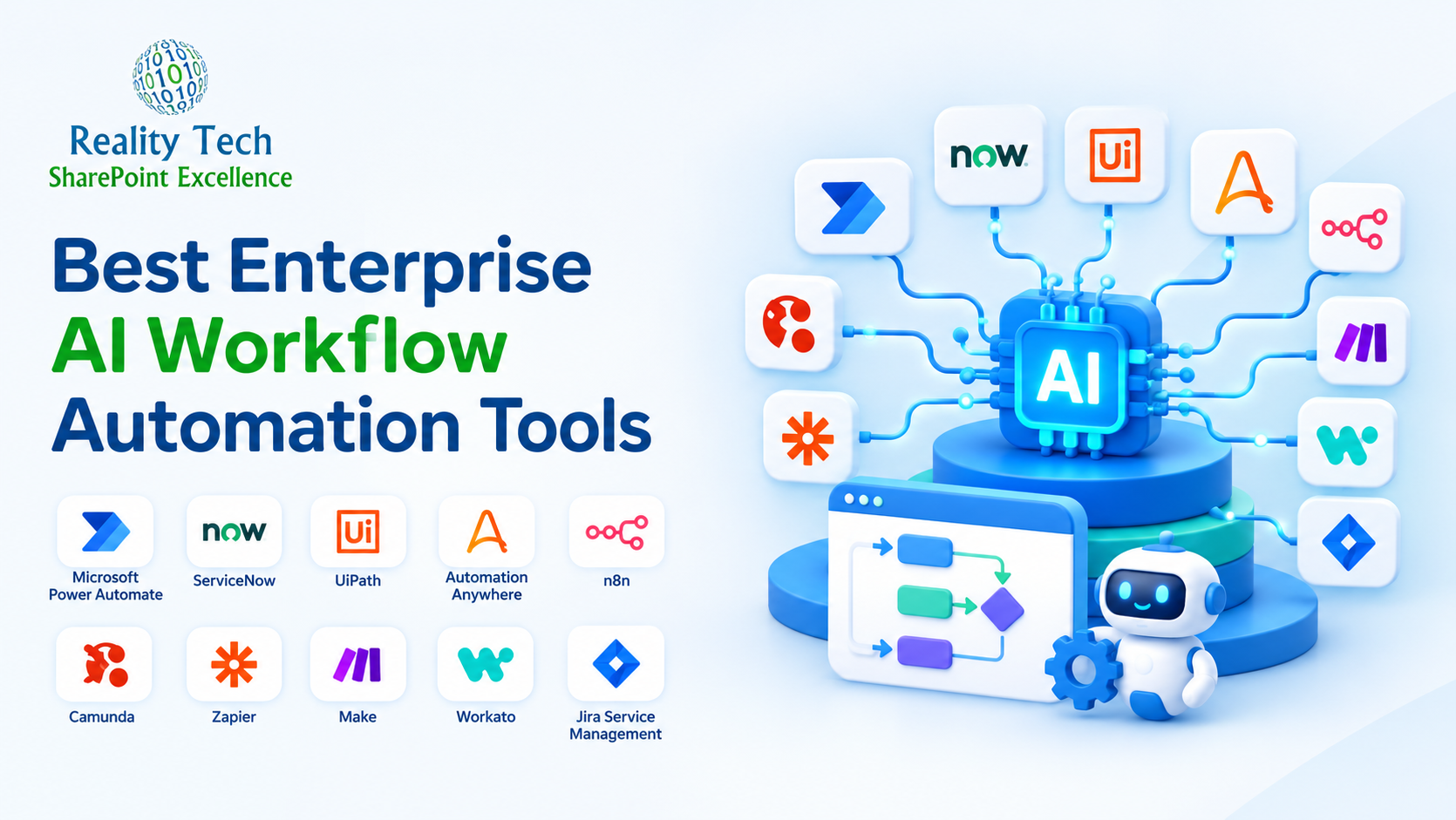
Enterprise teams often lose valuable time managing approvals through email, re-entering information across disconnected systems, and coordinating repetitive manual handoffs. Kaspersky research in 2025 found that 74% of enterprise teams run fragmented, multi-vendor toolchains, and 36% consider their systems too complex to use effectively.
Enterprise AI workflow automation addresses these challenges by creating structured, connected, and measurable processes. This guide compares 10 leading platforms, explains how each one affects ROI, and gives you a framework for choosing between them.
What Is Enterprise Workflow Automation?
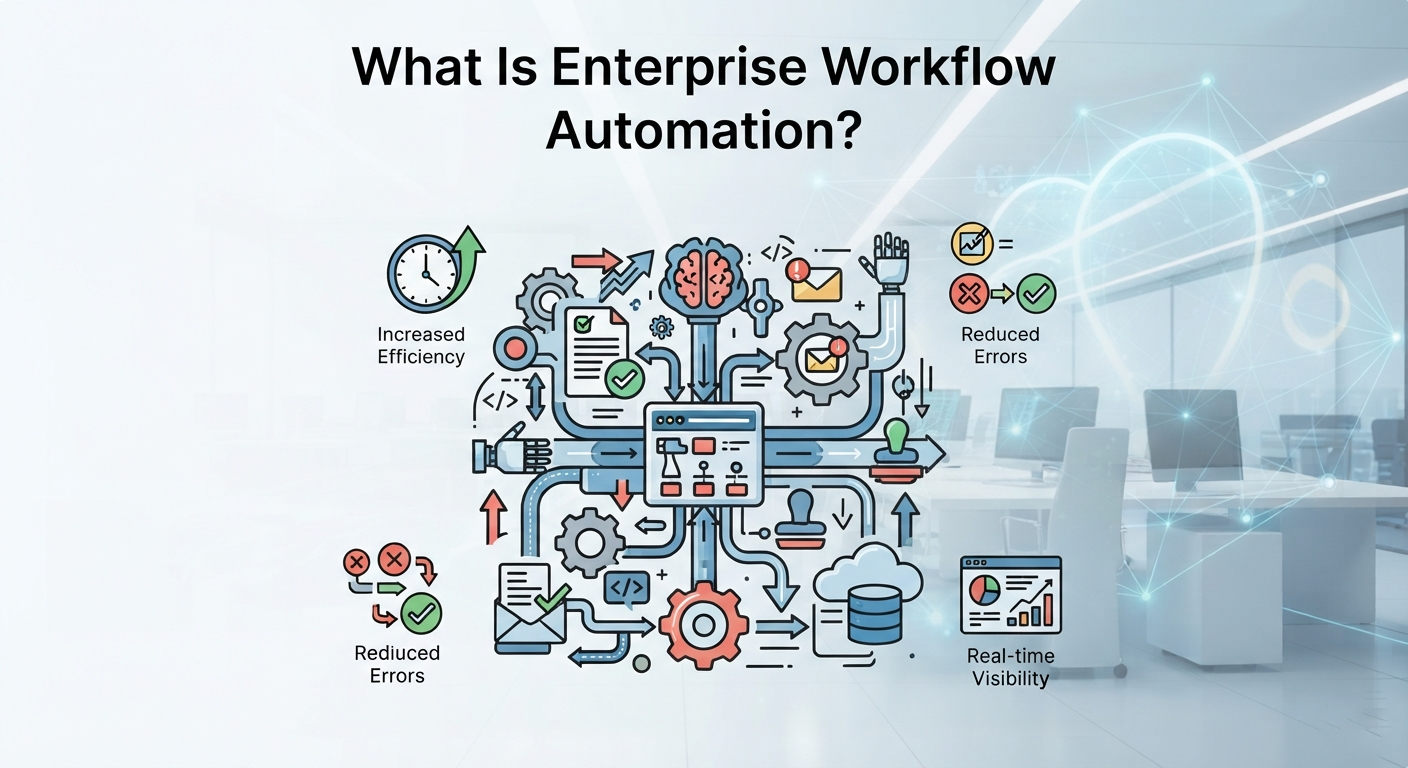
Enterprise workflow automation uses software to design, execute, and coordinate multi-step business processes across systems, teams, and departments with minimal manual intervention. It replaces disconnected emails, spreadsheets, and reminders with structured routing, approvals, updates, exception handling, and a reliable record of each process.
Enterprise AI workflow automation adds a reasoning layer on top of this. Rules still govern the process, while AI agents interpret unstructured requests, classify documents, and recommend routing where no fixed rule applies. The orchestration layer keeps those decisions governed, logged, and reviewable, which is what separates a dependable automation from a fast one.
These workflows operate across ERP, CRM, IT service management, HR platforms, and Microsoft 365 estates. IT directors, operations leaders, and transformation teams at mid-market and enterprise companies use Microsoft 365 solutions and dedicated orchestration platforms to improve speed, consistency, control, and visibility.
10 Best Enterprise Workflow Automation Tools
Selecting the right platform depends on your existing stack, your approval structure, and how your teams handle exceptions. The table below compares the 10 leading enterprise AI workflow automation tools on fit, AI capability, and pricing model, so you can build a shortlist before committing to deeper evaluation.
| Tool | Best For | AI Capability | Price Range | Pricing Model |
| Microsoft Power Automate | Microsoft 365 environments | Copilot and Copilot Studio agents | $15 – $215 per month | Per user, process, or capacity |
| ServiceNow | Enterprise service workflows | AI agents and orchestration | $70 – $200+ per user/month | Enterprise subscription |
| UiPath | RPA and document processing | Autopilot and Document Understanding | $25 – $1,930 per month | Platform and consumption options |
| Automation Anywhere | Central automation programs | AI Agent Studio and build assistance | $7,000 – $13,000 per year | Enterprise subscription |
| n8n | Engineering-led orchestration | AI agent nodes and model integrations | $20 – $800 per month | Cloud or self-hosted |
| Camunda | Developer-led orchestration | Governed agentic orchestration | $0 – $14,500+ per month | SaaS or self-managed |
| Zapier | Fast departmental SaaS automation | AI workflows and agents | $19.99 – $103.50+ per month | Task-based tiers |
| Make | Visual branching workflows | AI modules within scenarios | $9 – $51 per month | Credit-based tiers |
| Workato | Enterprise iPaaS | Recipe Copilot and agent orchestration | $75 – $1,275 per month | Enterprise consumption |
| Jira Service Management | Atlassian-based ITSM | Atlassian Intelligence features | $20 – $57.30 per agent/month | Per-agent tiers |
1. Microsoft Power Automate
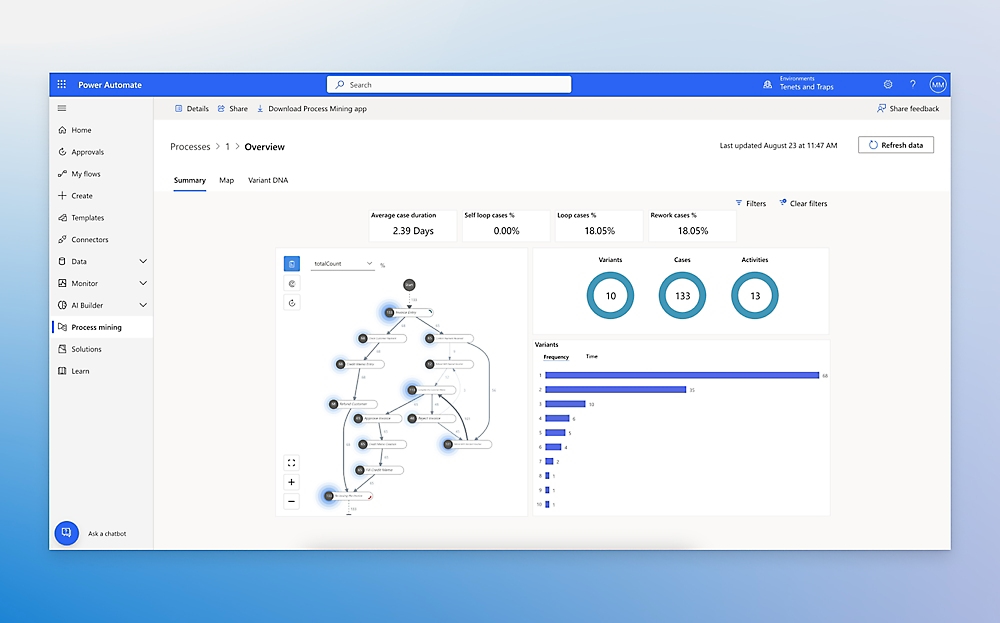
Microsoft Power Automate is particularly relevant for organizations already using Microsoft 365. It combines cloud flows, attended and unattended desktop RPA, Copilot Studio agents, and native integration across Microsoft 365, Dynamics 365, Azure, and Teams. For example, a contract request can begin in SharePoint, move through approval in Teams, update its tracking record, and notify stakeholders automatically. Reality Tech builds these Power Platform workflows for startup and enterprise clients through its AI workflow automation services.
2. ServiceNow
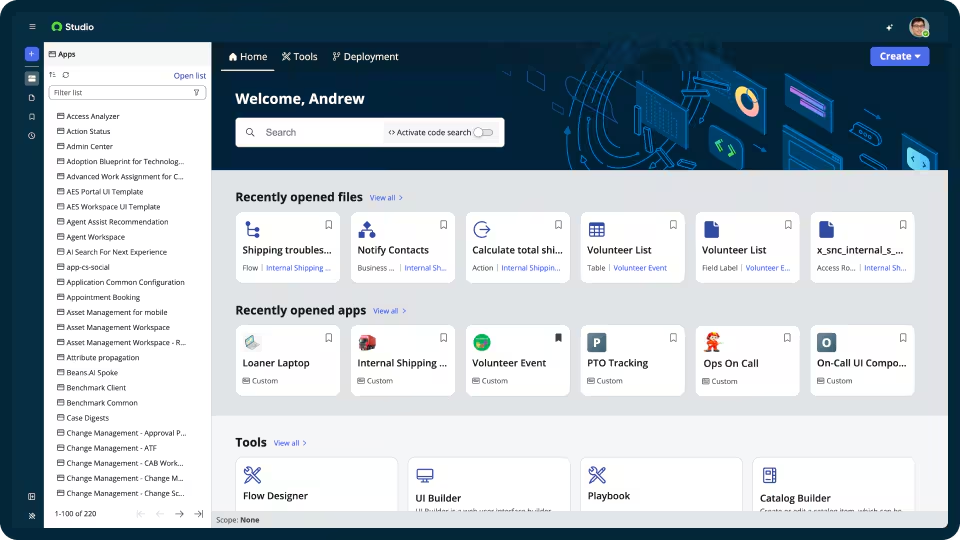
ServiceNow supports enterprise workflows across IT, HR, and employee services. Its workflow engine connects requests, approvals, fulfillment tasks, records, and service targets, while AI agents help coordinate defined activities. An access request can move from manager approval to security review and fulfillment without losing its audit history. ServiceNow is best suited to large enterprises with mature IT operations that need consistent, governed service processes across multiple departments.
3. UiPath
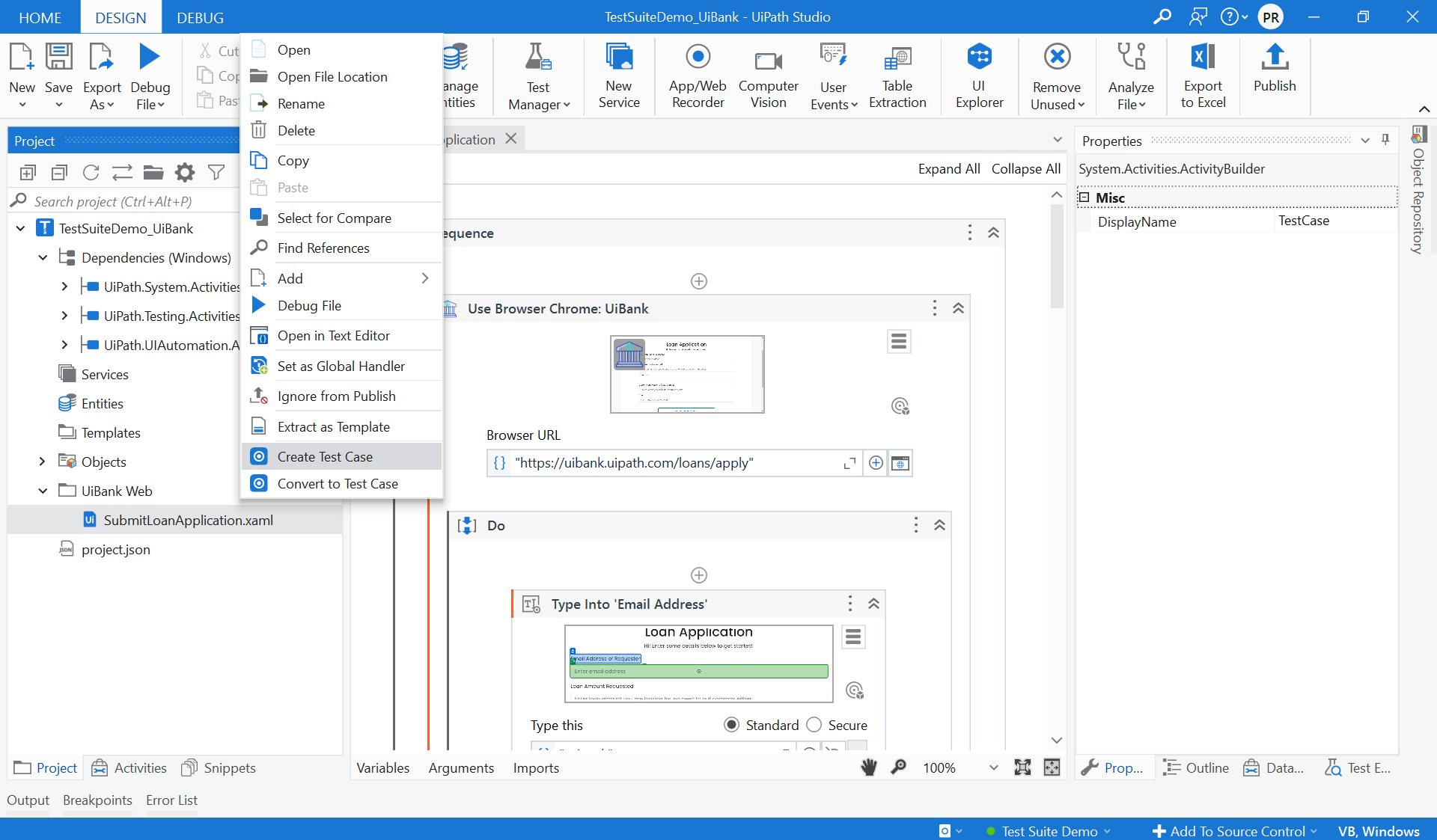
UiPath is a strong option when processes depend on desktop applications, documents, or legacy systems. It combines RPA and agentic automation with Autopilot for AI-assisted development and Document Understanding for structured and unstructured files. In accounts payable, UiPath can read an invoice, validate required fields, route exceptions for review, and enter approved information into a finance system. It is well suited to organizations seeking to reduce repetitive work before completing broader system modernization.
4. Automation Anywhere
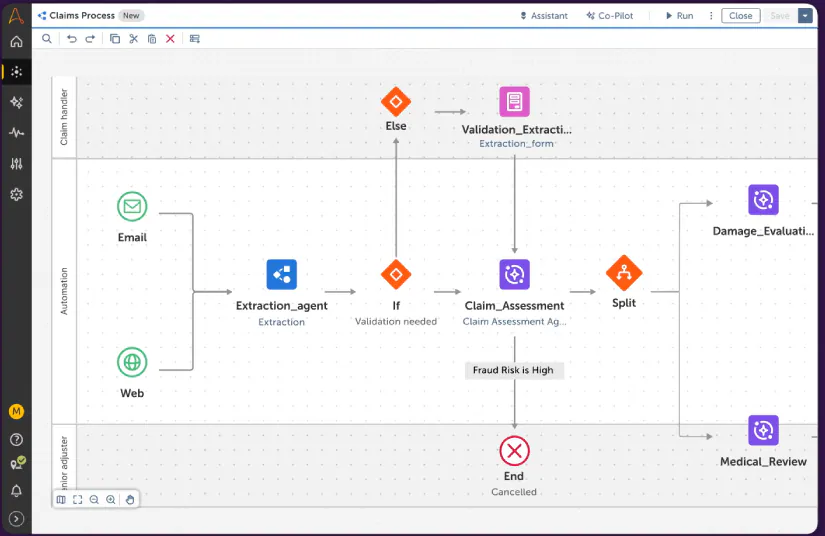
Automation Anywhere supports enterprises that manage automation as a centralized program rather than a collection of isolated bots. Its cloud-native RPA platform includes Autopilot, Co-Pilot build assistance, AI capabilities, and policy controls for approved models. Shared-services teams can reuse governed components to classify requests, collect information, and route exceptions. The platform fits organizations standardizing automation through a center of excellence responsible for guardrails, monitoring, support, governance, and reuse across departments.
5. n8n
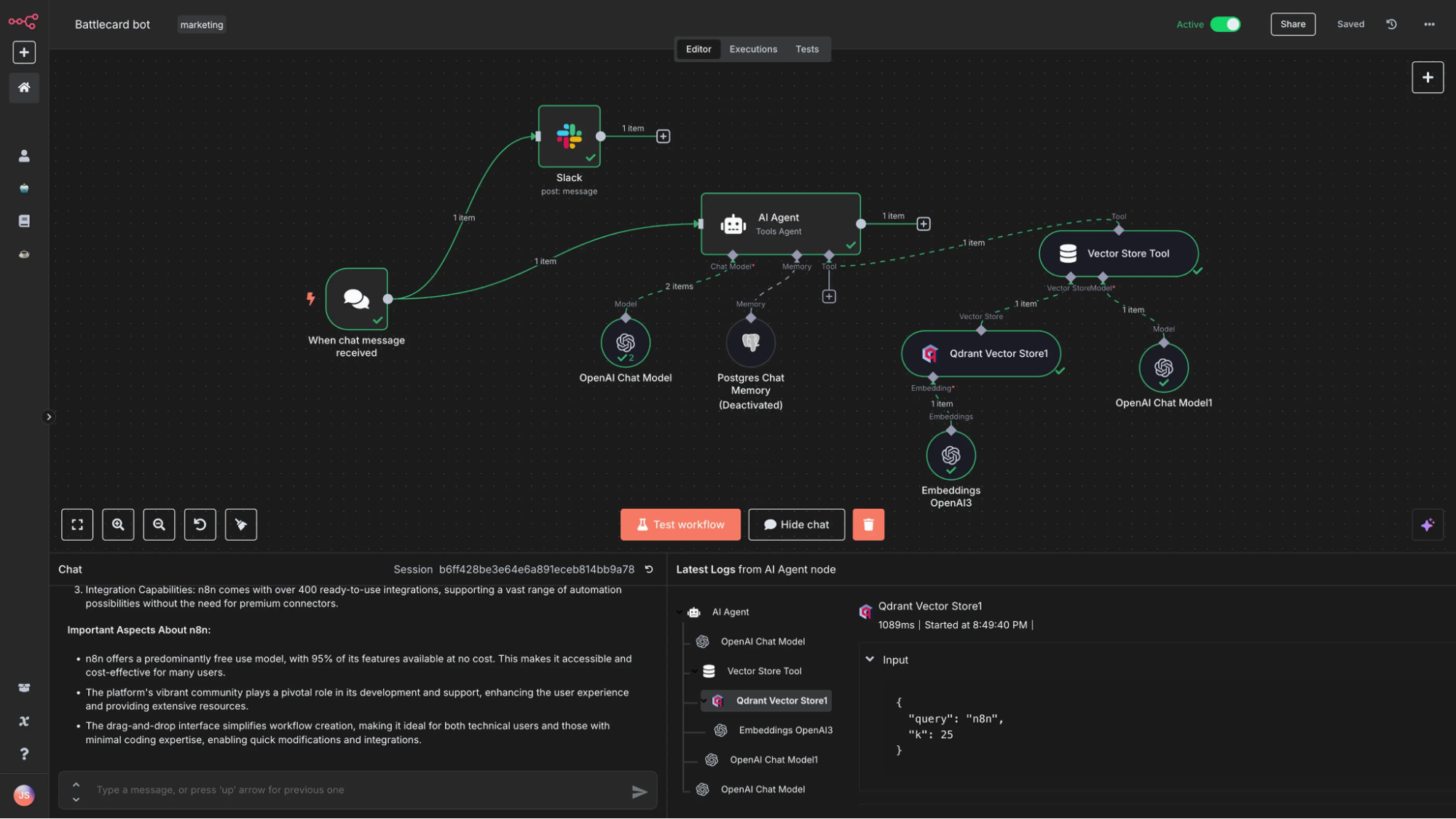
n8n is designed for engineering-led teams that require control over deployment and implementation. Its source-available orchestration platform supports cloud or self-hosted deployment, JavaScript and Python code nodes, and native LLM agent nodes. For incident enrichment, n8n can collect monitoring signals, retrieve related ticket data, prepare a summary, and pause for approval. It fits teams seeking data control, extensibility, and predictable per-execution costs, provided they can manage hosting, security, monitoring, and long-term maintenance.
6. Camunda
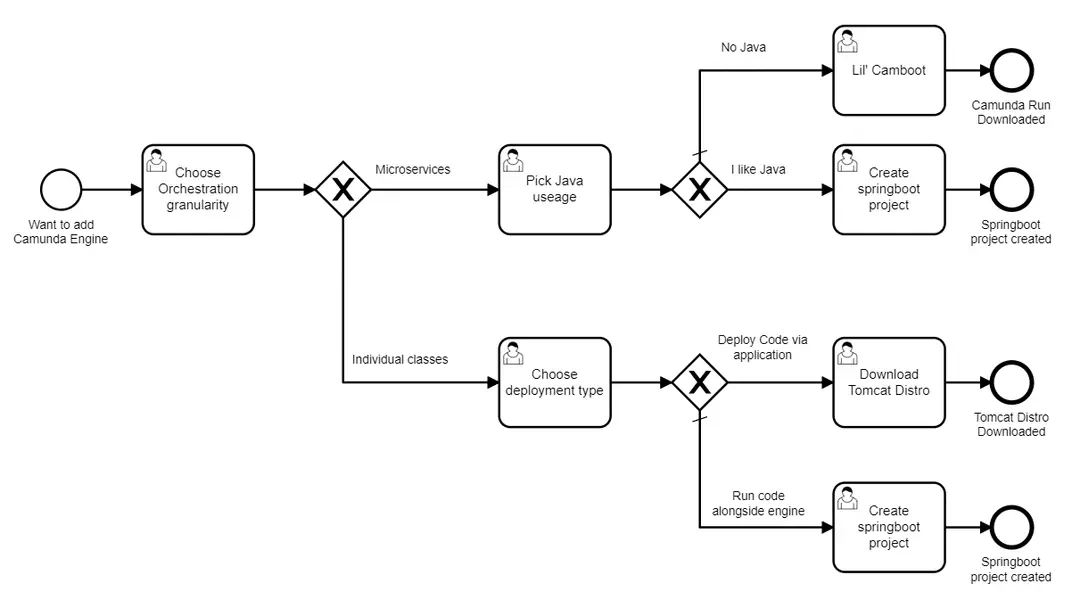
Camunda supports developer-led process orchestration using open standards such as BPMN and DMN. Its engine manages long-running processes across microservices, applications, and systems while preserving process state and traceability. A loan process may continue for several days and include document collection, eligibility checks, manual review, and external verification. Camunda is well suited to enterprises embedding orchestration into their own applications, particularly where reliability, auditability, engineering control, and complex process management are essential.
7. Zapier
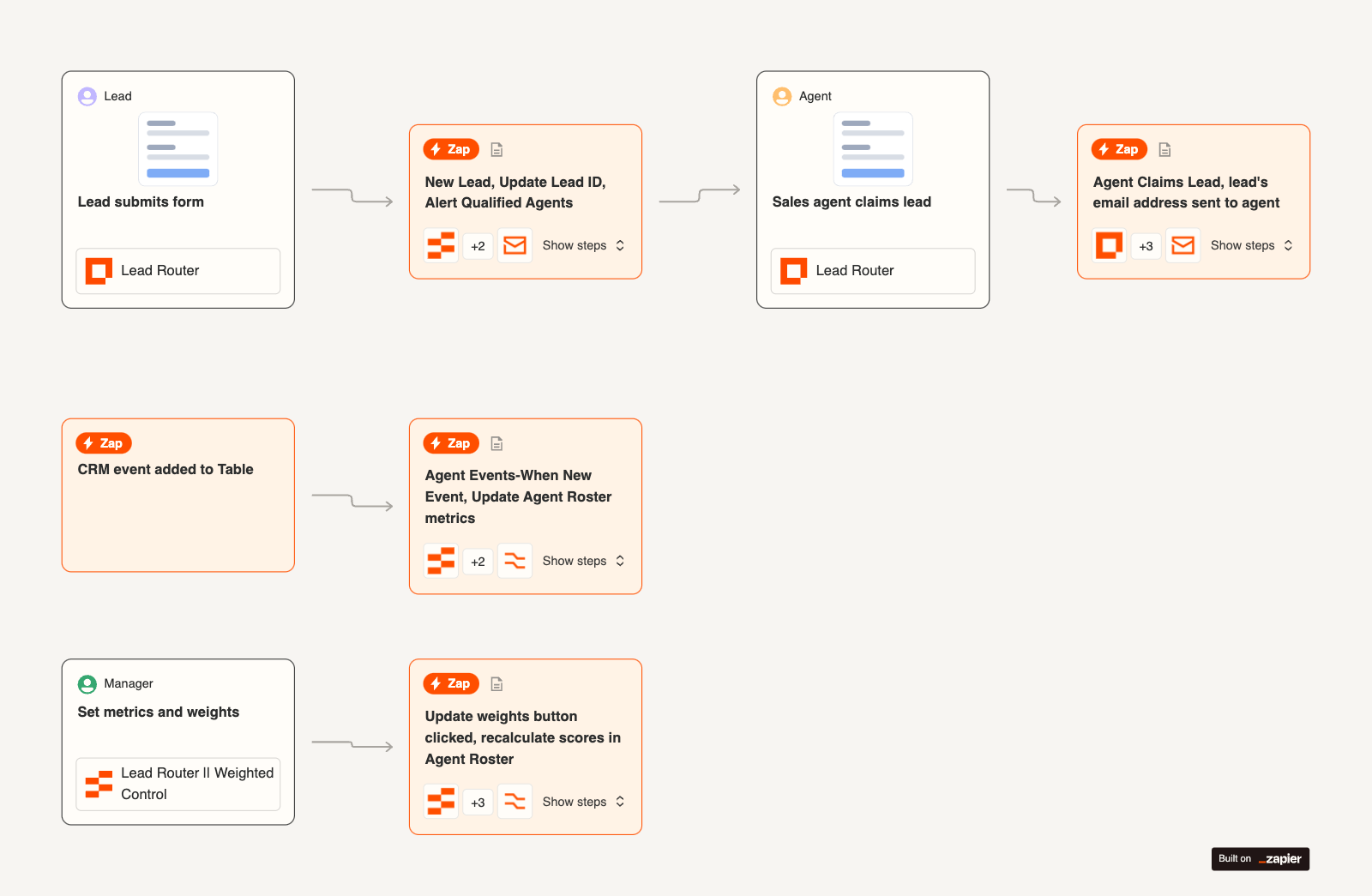
Zapier provides a fast path to initial automation across thousands of business applications. Teams can combine triggers, actions, filters, branches, AI workflows, agents, and governed action access without launching a large integration project. A marketing workflow can capture a qualified lead, enrich the record, notify the account owner, and create follow-up tasks. Zapier fits departments seeking rapid value from modern SaaS applications, but it works best as a speed layer rather than the enterprise control tower.
8. Make
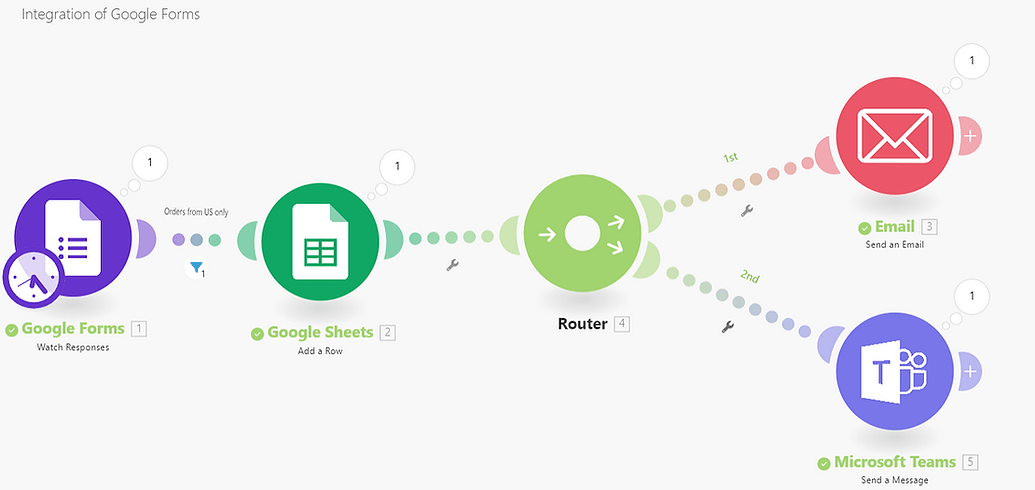
Make provides a visual approach to designing and controlling data flows. Its scenario builder supports branching paths, routers, iterators, retries, and custom data shaping, giving operations teams more flexibility than linear automation tools. An order exception can follow different routes based on value, region, inventory, and customer type. Make fits teams comfortable working with flow logic, although organizations should model usage carefully because loops, retries, and record-level processing can increase consumption as automation volume grows.
9. Workato
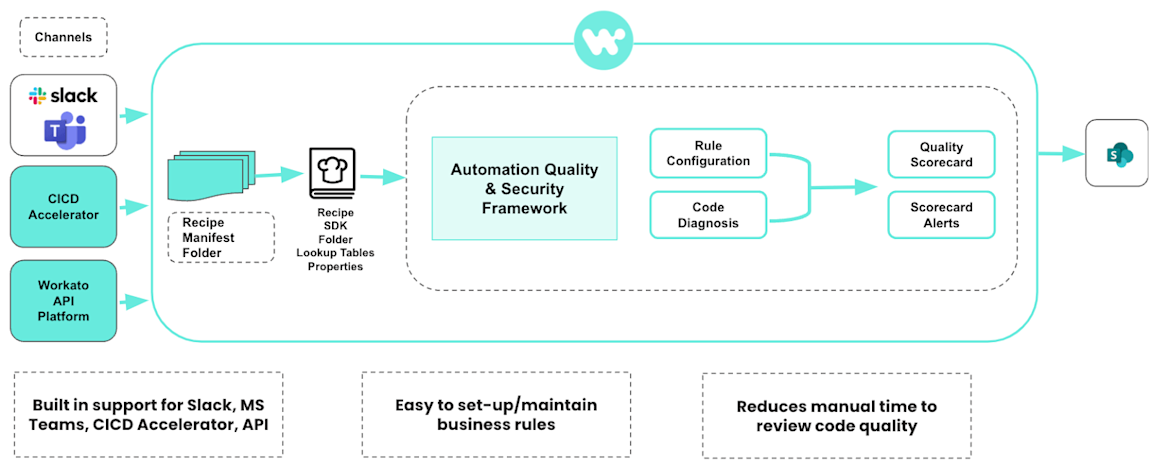
Workato combines enterprise iPaaS capabilities with workflow automation. It coordinates multi-step processes across SaaS platforms, internal systems, chat interfaces, and human decision points, while AI copilots support recipe development. For customer onboarding, an approved sale can trigger account creation, billing setup, implementation tasks, and notifications across departments. Workato fits integration-heavy organizations with substantial backlogs and multiple departments competing for automation support, reusable connectors, governance, and shared delivery capacity across the business.
10. Jira Service Management
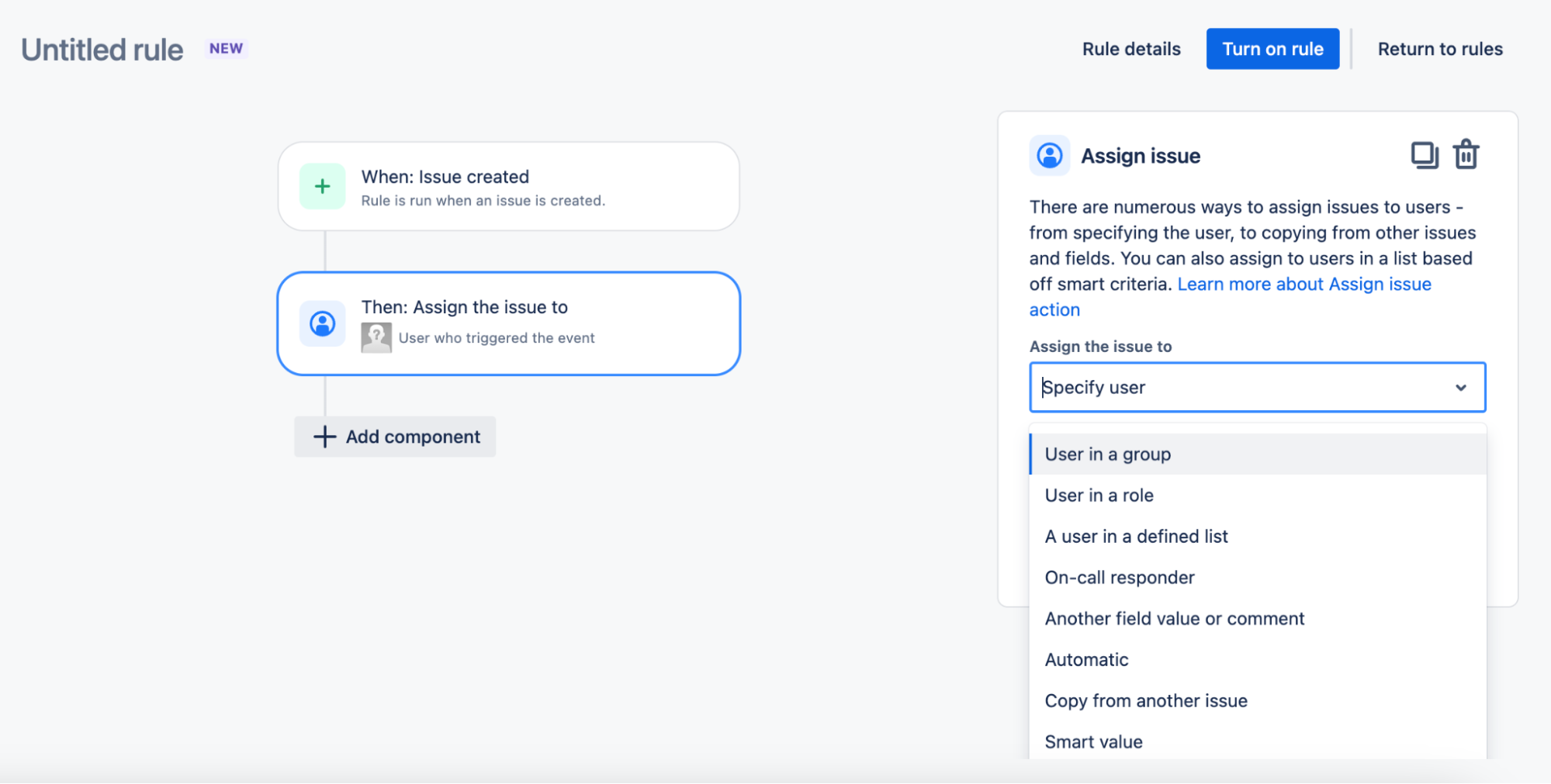
Jira Service Management is a practical option for organizations already using the Atlassian stack. Its automation rules support ITSM and request workflows, while Atlassian Intelligence features assist service operations. An access request can be categorized, approved, linked to implementation work, and tracked through completion alongside related Jira activity. Before selecting a tier, organizations should confirm the available AI features, governance controls, integrations, and data policies. It is best suited to teams connecting service delivery with engineering work.
How Enterprise Workflow Automation Raises ROI?
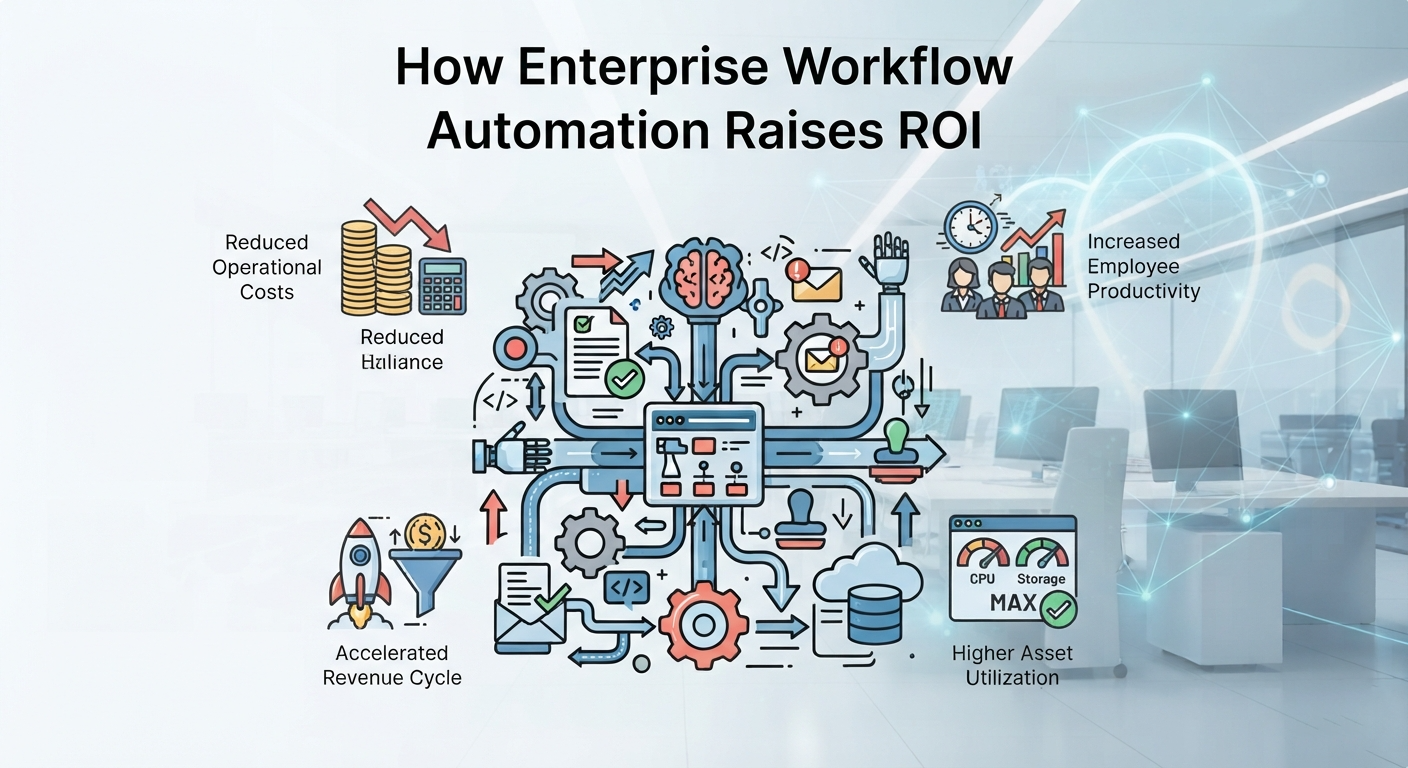
Enterprise AI workflow automation raises ROI by reducing manual errors, shortening cycle times, lowering repetitive labor, and improving leadership visibility. Measure it by comparing cycle time, adoption, error rates, labor effort, and total process cost before and after automation, then reuse the governed pattern across departments rather than rebuilding each one.
Organizations implementing effective workflow automation commonly report 40% to 50% reductions in processing time. The larger gains come from reuse rather than from any single workflow.
Take invoice approval. An automated process validates required information, routes requests by financial threshold, and notifies approvers. It then updates the finance system and shows status in real time.
In the Power Automate deployments Reality Tech runs, the first governed workflow typically reaches production within one quarter, and the second takes materially less time because the connectors, approval patterns, and governance model are already built.
| ROI Lever | What Changes | How to Measure |
| Error reduction | Rules identify missing or inconsistent information. | Error rate, rework, exception volume |
| Cycle time | Automated routing reduces delays between steps. | Completion time, SLA attainment |
| Labor hours | Data entry and follow-up require less effort. | Hours per case, cost per transaction |
| Reporting visibility | Central records show status and bottlenecks. | Reporting effort, dashboard coverage |
Book a free call for an enterprise workflow automation assessment to see which of your processes will return the most in the first quarter.
How AI Is Reshaping Enterprise Workflow Automation in 2026?
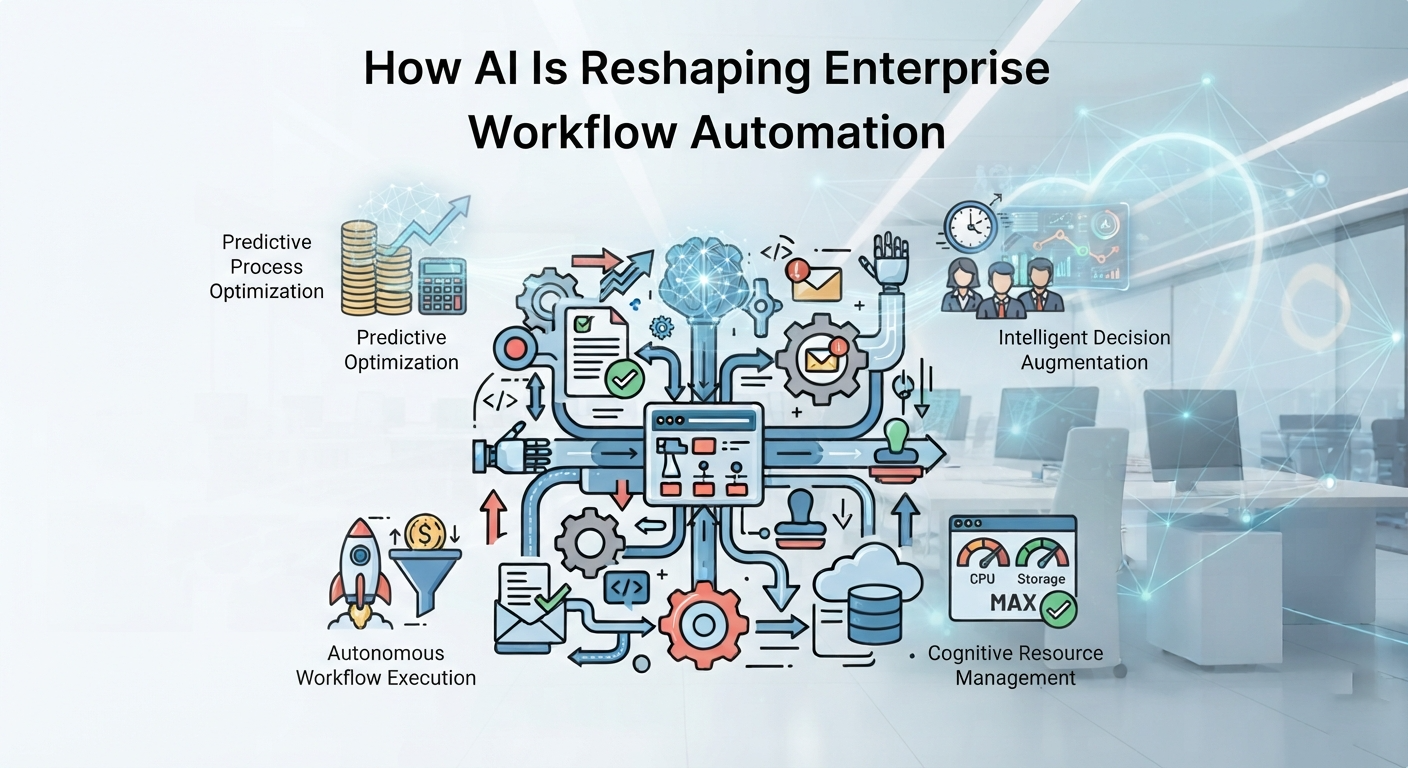
AI extends automation beyond fixed rules by interpreting unstructured information, recommending next steps, and supporting exceptions while governed workflows maintain control, visibility, and accountability.
From RPA to iPaaS to AI-Native Agents
Enterprise automation has developed through three complementary generations. First-generation RPA bots handle stable, repetitive screen tasks when reliable APIs are unavailable. Second-generation iPaaS connectors synchronize structured data between cloud systems through reusable integrations. Third-generation AI-native agents interpret documents, messages, and other unstructured content, then route work dynamically and support exception handling.
Employee onboarding illustrates how these technologies work together. RPA can enter approved information into a legacy payroll application, iPaaS can synchronize HR and identity records, and an AI agent can identify missing details for review. Many large organizations use all three within a governed hybrid automation ecosystem.
| Generation | Core Technology | Best Suited For | Key Limitation |
| RPA | UI automation and software bots | Stable legacy-screen tasks | Sensitive to interface changes |
| iPaaS | APIs, connectors, and events | Structured system-to-system data | Depends on reliable interfaces |
| AI-native agentic orchestration | Models, tools, and policies | Unstructured requests and exceptions | Requires governance and evaluation |
Four Pillars of a Resilient AI Workflow
- Context-aware routing: Evaluate business context, user permissions, risk, available data, and process status before selecting or changing a workflow path.
- Pluggable model architecture: Separate workflow logic from the reasoning model so approved models can change without rebuilding the process or weakening established controls.
- Bounded autonomy: Place system-of-record updates and other high-impact actions behind human approval, validation rules, or code-based gates.
- Infrastructure as code: Version workflows, policies, prompts, and configurations to support testing, drift monitoring, audit trails, controlled deployment, and reliable rollback.
How to Choose the Right Enterprise Workflow Automation Software?
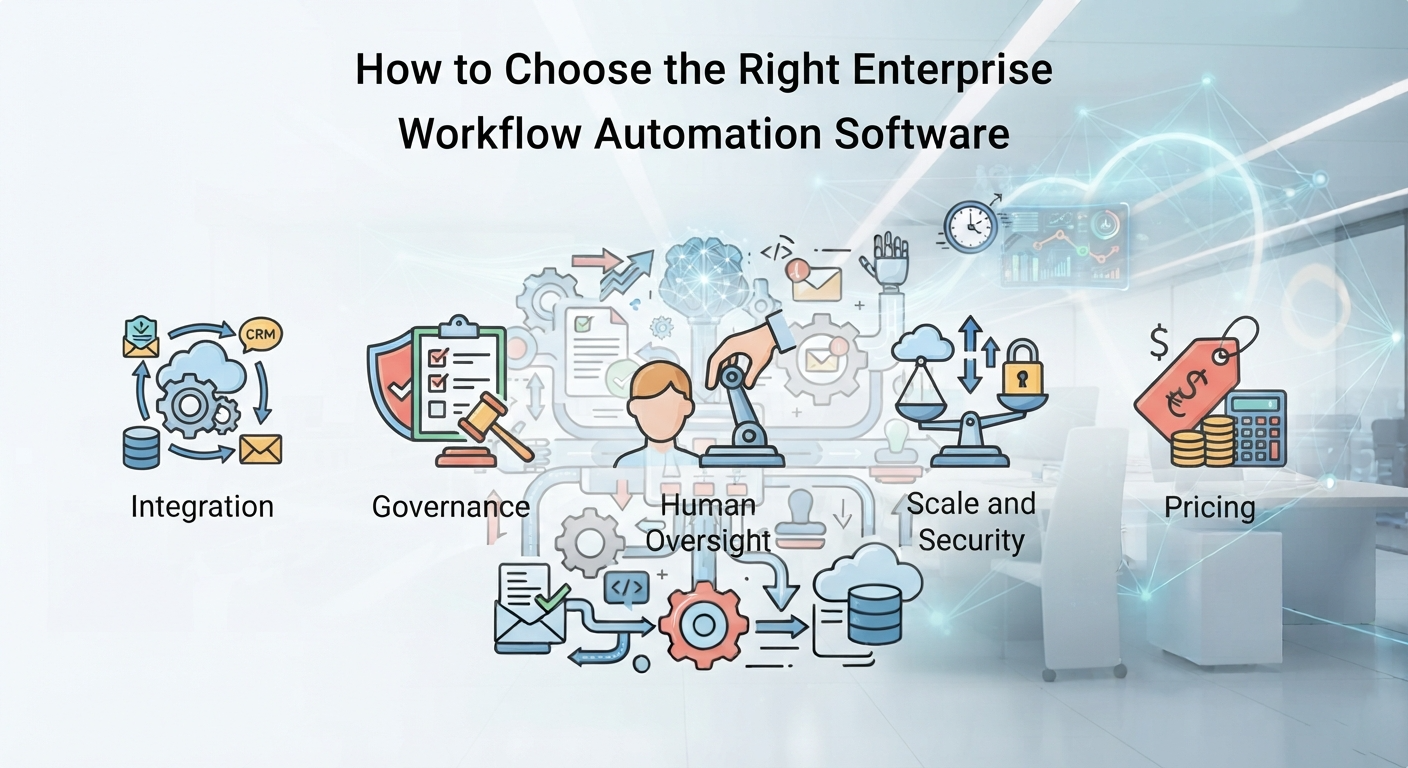
Choose enterprise workflow automation software by starting with the process rather than the product. Identify the system of record, request entry point, approvers, exceptions, data sensitivity, and expected transaction volume. These requirements will narrow the field more effectively than a broad feature comparison.
- Integration: Connect existing systems without unnecessary replacement.
- Governance: Establish clear ownership and complete audit trails.
- Human oversight: Build review and exception handling into the process.
- Scale and security: Validate capacity, data boundaries, and applicable certifications.
- Pricing: Model realistic usage before adoption expands.
Organizations leaving legacy SharePoint or file shares often combine SharePoint migration services with workflow modernization so content, metadata, permissions, and triggers are structured from the beginning. Start with one high-friction process, standardize it before automation, measure the result, and expand from demonstrated value.
How Reality Tech Helps Enterprises With Workflow Automation?
Enterprise workflow automation routes work between people and systems, reducing errors and shortening cycle times. In 2026, AI-native agents extend established RPA and iPaaS capabilities by supporting more flexible, context-aware processes.
Reality Tech is a Microsoft Partner delivering Power Automate, Power Apps, Power BI, and Microsoft 365 workflow automation with concierge-level service and training. We help clients assess current processes, establish governance, implement the solution, and support adoption. Explore our AI workflow automation services and book a free consultation to identify a practical first workflow with measurable business value.
FAQs on Enterprise Workflow Automation
Workflow automation executes defined tasks, approvals, rules, and handoffs. Business process management is broader: it discovers, models, governs, measures, and improves end-to-end processes. Automation is one method used to implement the approved process design.
Cost depends on users, bots, flows, executions, connectors, environments, support, and AI consumption. Compare total production cost, including implementation, governance, monitoring, maintenance, integrations, and change management, rather than relying only on entry-level license prices.
Timelines depend on process complexity, integrations, data quality, governance, security review, ownership, and adoption. Start with one measurable workflow, establish reusable standards, prove value, and expand in controlled phases rather than attempting one company-wide launch.
Yes. Depending on the system, platforms may use APIs, databases, files, desktop RPA, custom connectors, integration agents, queues, or middleware. The right option depends on security, reliability, transaction volume, supportability, and the system’s expected lifespan.
Prioritize identity integration, least-privilege access, encryption, environment separation, data residency, audit logs, versioning, secrets management, retention, approvals, and monitoring. Also assess connector permissions, AI model governance, incident response, certifications, and vendor subprocessor practices.
Have a question?
We’re here to help. Get in touch with us anytime, 24/7